• Home Improvement
    • DIY
    • Remodeling
    • Woodworking
    • Home Design
      • Furniture
      • Organize
      • Tips
      • Decor
        • Interior
        • Exterior
    • Design Ideas
      • Bathroom
      • Bedroom
      • Dining Room
      • Living Room
      • Kitchen
  • Gardening
    • Backyard
    • Front Yard
    • Landscaping
  • Building Staircase
  • Categories
    • Home Improvement
    • Decor
    • Gardening
    • Woodworking
    • Lifestyle
    • Green Living
    • Real Estate
Dream Lands Design
  • Home Improvement
    • DIY
    • Remodeling
    • Woodworking
    • Home Design
      • Furniture
      • Organize
      • Tips
      • Decor
        • Interior
        • Exterior
    • Design Ideas
      • Bathroom
      • Bedroom
      • Dining Room
      • Living Room
      • Kitchen
  • Gardening
    • Backyard
    • Front Yard
    • Landscaping
  • Building Staircase
  • Categories
    • Home Improvement
    • Decor
    • Gardening
    • Woodworking
    • Lifestyle
    • Green Living
    • Real Estate
featured image - Tips to Organize A Desk Space

Tips to Organize A Desk Space

  • Perla Irish
  • March 11, 2021
Total
6
Shares
0
0
6
0
0
Table of Contents Show
  1. Keep Your Supplies Close By
  2. Have a System for Your Items
  3. Have a Stacked In/Out Tray
  4. Remove All Distractions

Getting your desk organized is one of the ways to keep yourself focused on work. Cleaning and organizing the desk is often a good way to energize and inspire yourself.

Unfortunately, most times the clean and the organized desk does not last for longer than two days. Some people have large working areas or spaces while others have smaller spaces.
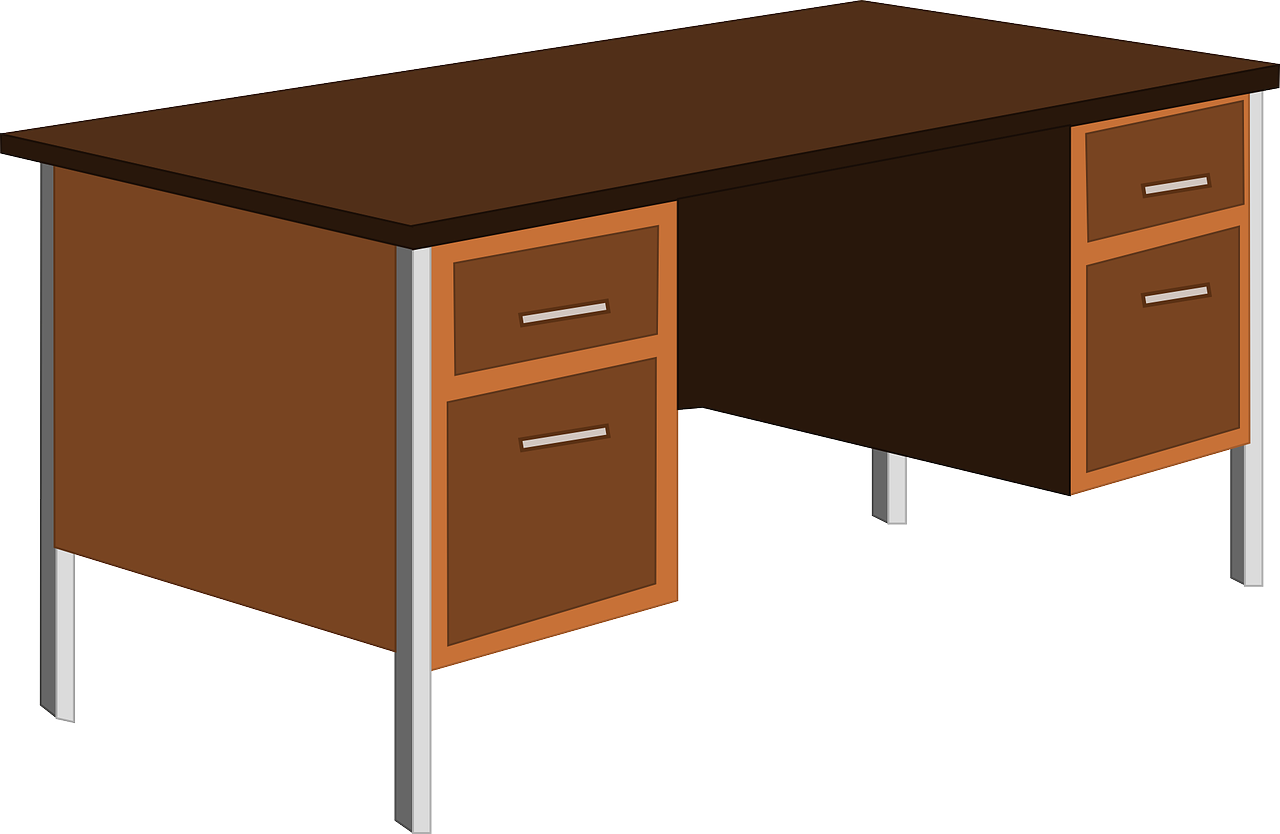
image - Tips to Organize A Desk Space
Tips to Organize A Desk Space

Take a look at Teslyar.com for quality desks. Regardless of the space that you have, it is always best to try and keep it organized so that you can enjoy a productive day.

Here are some tips on how to organize your desk.

One of the most helpful tips is to keep only the items that you use daily on your desk. If you do not use it daily, it is just taking up more space than necessary. That makes your workspace cluttered.

Keep Your Supplies Close By

If you want to have all the items that you use often closed drawers and pencil caddies are a good way to do that.

Keep some things within arm’s reach to avoid searching for them when you need to use them. That includes resource files and any items you use daily.

If there is any item you use that can also be accessed on your phone, for instance, a phonebook, toss out the book and get more space for your desk.

If you need to keep binders and files within arm’s reach and do not have enough space on your desk, think about getting some shelves above the desk. You should also have your computer monitor raised to a suitable ergonomic level.

Have a System for Your Items

If there are any projects you are currently working on, make sure that they are organized by storing them in poly file folders or project jackets.

You should also label them and store them upright for easy sorting. It allows you to see your projects and also keep a clean desk.


Read Also:

  • How to Design Your Home Study Space to Achieve the Perfect Atmosphere
  • DIY Corner Computer Desk Plans, Build Your Own Computer Desk Plans
  • 8 Ways to Create a Healthy Office with an Electric Standing Desk!
  • Setting Up an Office: 9 Pro Tips for How to Set Up an Office
  • How to Choose the Right Desk for Your Office
  • How to Set Up a Remote Learning Space

Have a Stacked In/Out Tray

If you do not sort out any incoming documents such as mail, they may become too many and cause chaos on your desk.

Having a designated area until you attend to them is the best way to keep your desk clean. A good tip is to make the bottom tray you In so that you do not have a large pile of unread/unattended documents that make your desk look disorganized.

You can limit the number of unattended documents in the pile to prevent a disorganized desk.

Remove All Distractions

Getting rid of all the personal items from your desk is a good place to start. You probably have people coming to the office, emails coming in, phones ringing with new clients, and such.

Keeping the distractions away will help you have a balance and prevent you from getting overwhelmed. Ensure you also clean out space under your desk.


Total
6
Shares
Share 0
Tweet 0
Pin it 6
Share 0
Share 0
Previous Article
featured image - Tips to Maintain a Healthy Roof

Tips to Maintain a Healthy Roof

  • Perla Irish
  • March 11, 2021
View Post
Next Article
featured image - Home Safety Tips for Seniors

Home Safety Tips for Seniors

  • Perla Irish
  • March 11, 2021
View Post

Subscribe

Subscribe now to our newsletter

You May Also Like
Family reviewing a moving checklist beside a moving truck before a cross-country move to their new home.
View Post

How to Move Cross-Country Without Letting Small Decisions Become Expensive Mistakes

  • July 18, 2026
View Post

A Well-Designed Home Needs Space Beyond the Garage

  • July 15, 2026
Rug for Bedroom Interior
View Post

How to Choose the Perfect Rugs for Bedroom Interiors

  • July 15, 2026
View Post

The Key to Good Interior Design Is Balancing Privacy Against Natural Light

  • July 15, 2026
Modern humidifiers for maintaining healthy indoor moisture levels at home
View Post

Why Choosing the Best Humidifier Matters for Your Home Environment

  • July 12, 2026
Homeowner inspecting plumbing supply lines and shutoff valves beneath a kitchen sink during preventative maintenance
View Post

Why Preventative Plumbing Maintenance Saves Homeowners Money

  • June 23, 2026
Residential scaffolding installed around a two-story home during exterior renovation work
View Post

When Scaffolding Actually Makes Sense for Home Renovations (and When It Doesn’t)

  • May 28, 2026
mini excavator in residential backyard construction site idle
View Post

Why Mini Excavators Are a Practical Choice for Small to Mid-Sized Projects

  • May 4, 2026
  • About
  • Privacy Policy
  • Terms of Use
  • Disclosure
  • Sitemap
  • Contact Us

Input your search keywords and press Enter.